
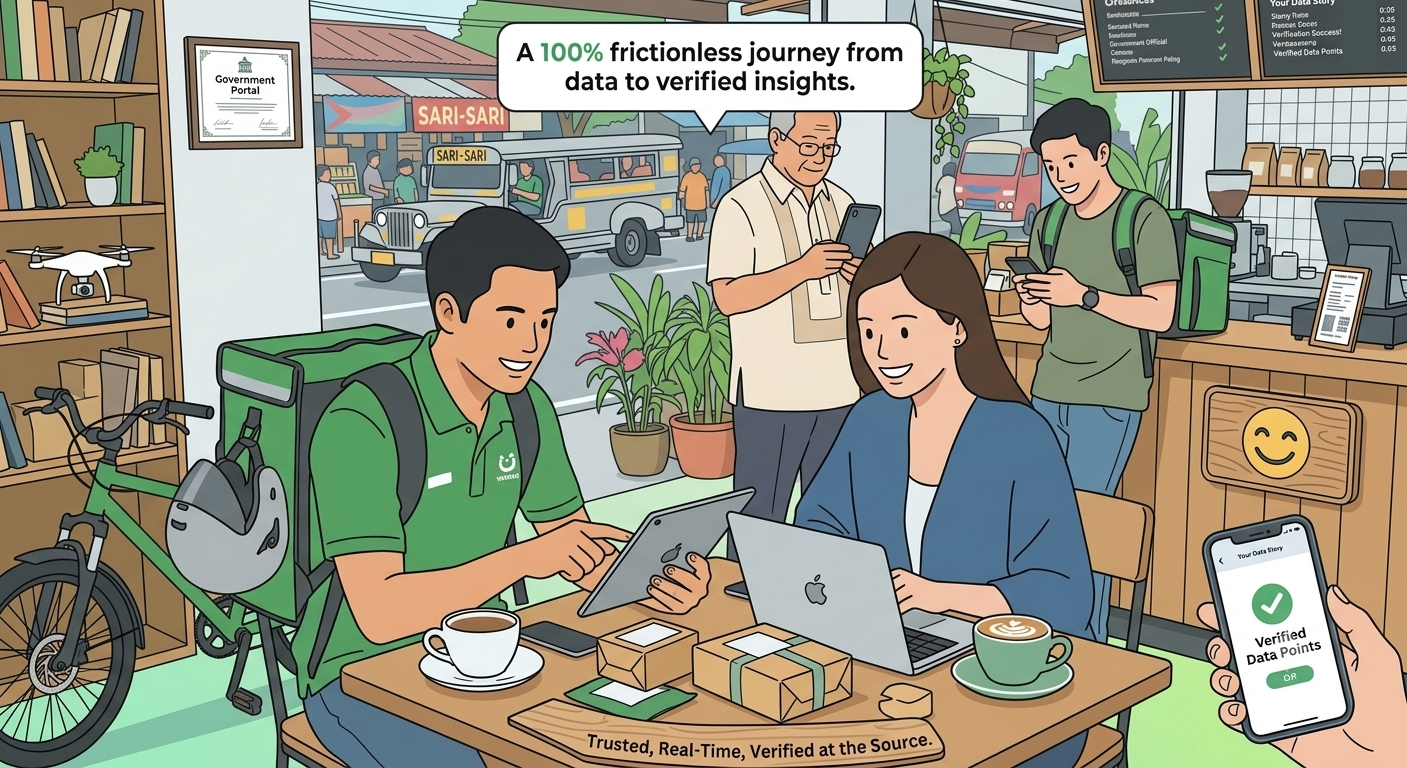

Ever wonder what actually happens behind the scenes when a user connects their account?
The journey from a user click to a verified data point is a sophisticated dance of security, authentication, and retrieval. Let’s break down the 7-step process that makes Smile API the trusted source for employment data in Asia.
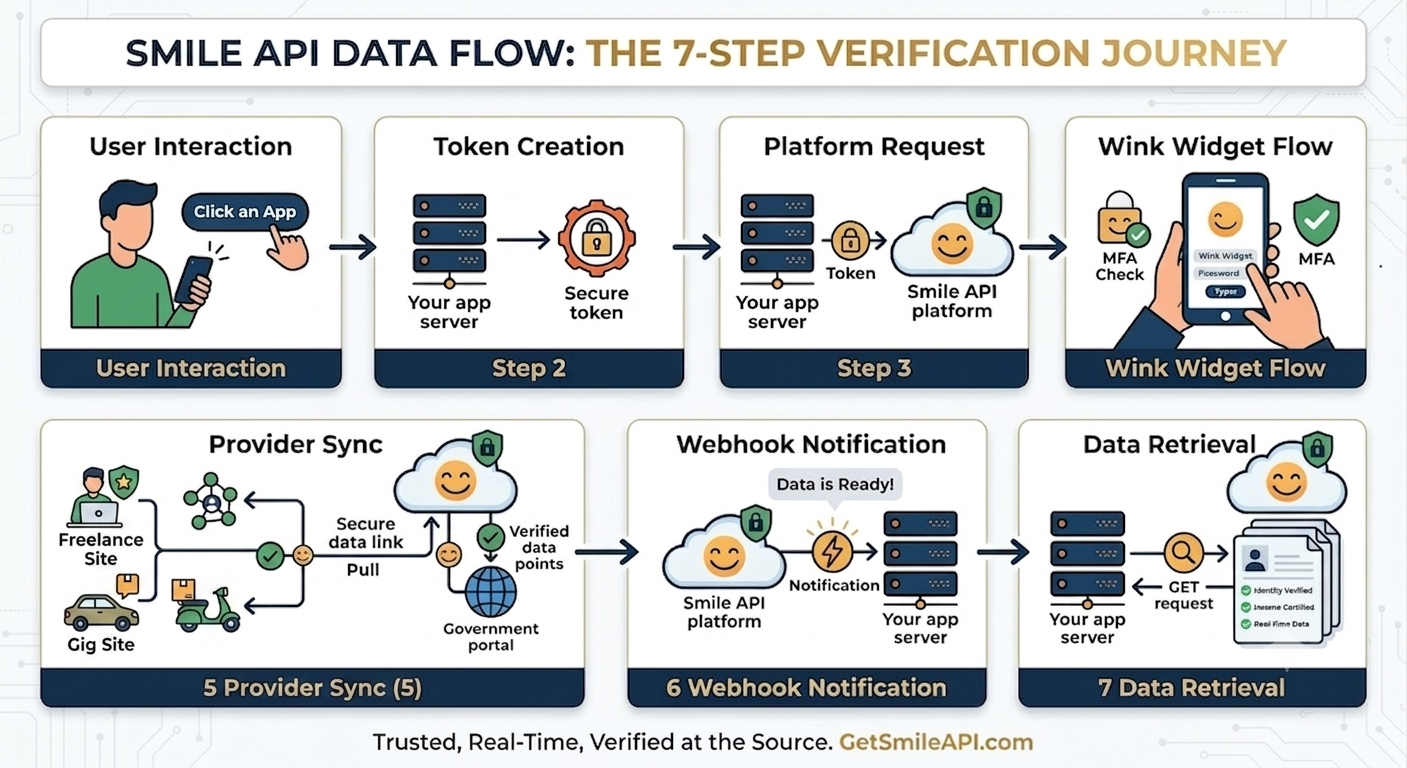
Step 1-3: The Secure Handshake
It all starts with the user interaction on your app.
Your backend creates a secure user token (Step 2) and requests a session from the Smile API platform (Step 3). This ensures that every data request is encrypted and tied to a specific, authorized user.
Step 4-5: The Authentication Bridge
This is where the Wink Widget shines.
The user enters their credentials and handles any Multi-Factor Authentication (MFA) directly within the widget (Step 4). Smile API then talks to the providers—like Upwork or Grab—to authenticate and fetch the supported data points (Step 5).
Step 6-7: The Final Delivery
Once the data is retrieved, we don't make you wait.
We notify your backend via a webhook (Step 6) that the data is ready for pickup. Your backend then makes a final GET request to our /identities or /incomes endpoints to retrieve the verified data (Step 7).
The 7-Step Breakdown:
- User Interaction: User clicks "Connect."
- Token Creation: Your app generates a secure session.
- Platform Request: Your backend talks to Smile.
- Wink Widget Flow: User authenticates securely.
- Provider Sync: Smile fetches data from the source.
- Webhook Notification: We tell you it's ready.
- Data Retrieval: You pull the verified data points.
Conclusion
Understanding the data flow is the first step toward building a more secure and efficient integration. By automating these 7 steps, Smile API removes the complexity of identity and income verification, allowing you to focus on what matters most: your users.
Want to see the full technical breakdown? Explore the platform at the developer portal.